













Power Supply Lifespan: When Will Your Device’s Heart Stop Beating?
Discover the truth behind power supply durability across computers, laptops, UPS systems, and chargers. Learn what really determines their lifespan, how to spot failure signs early, and practical strategies to extend their service life—protecting your valuable electronics from unexpected power failures.
How Long Do Power Supplies Last? All About Power Supply Lifespan
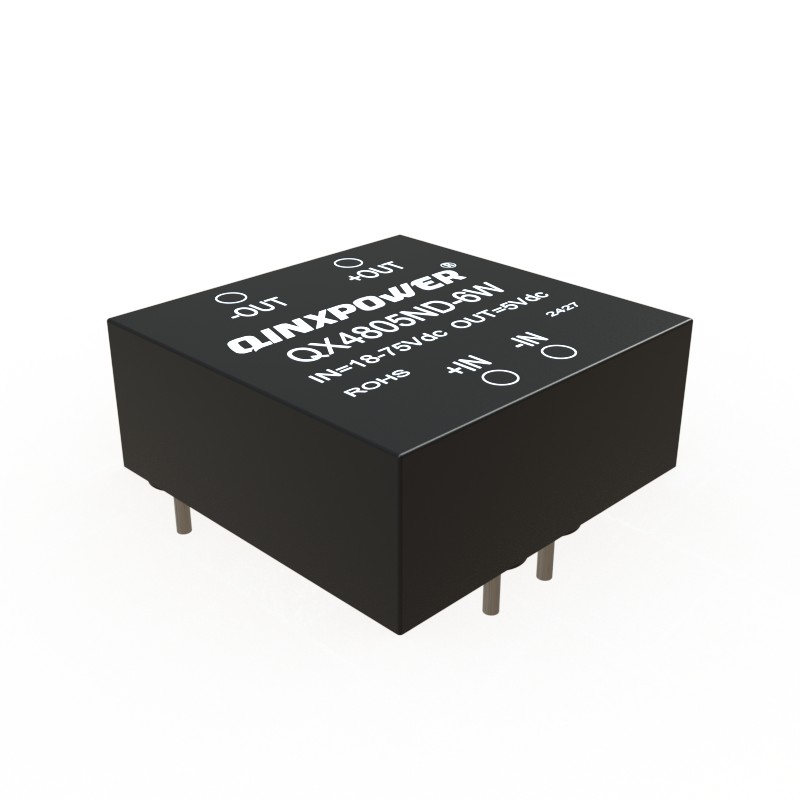
Power supplies are the unsung heroes of our electronic devices, quietly converting and delivering power. But like all components, they don’t last forever. Understanding their lifespan, what affects it, and when to replace them can prevent system failures and data loss. This comprehensive guide covers everything you need to know.
Average Lifespan of Different Power Supply Types
The lifespan varies significantly by type, quality, and usage:
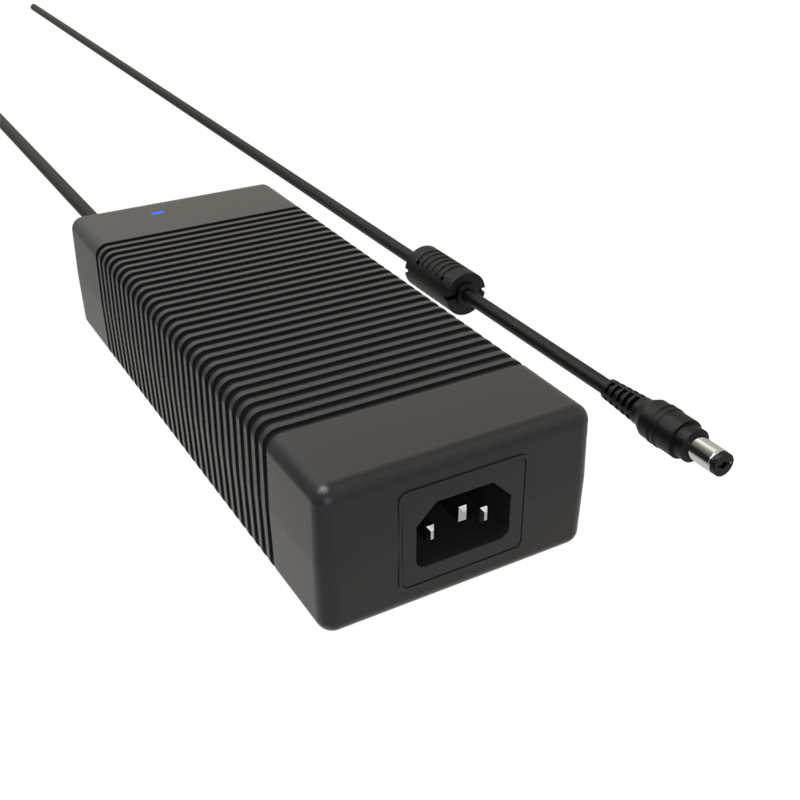
- PC Power Supply Unit (PSU): A quality unit typically lasts 5 to 10 years. Lower-end models may fail in 3-5 years.
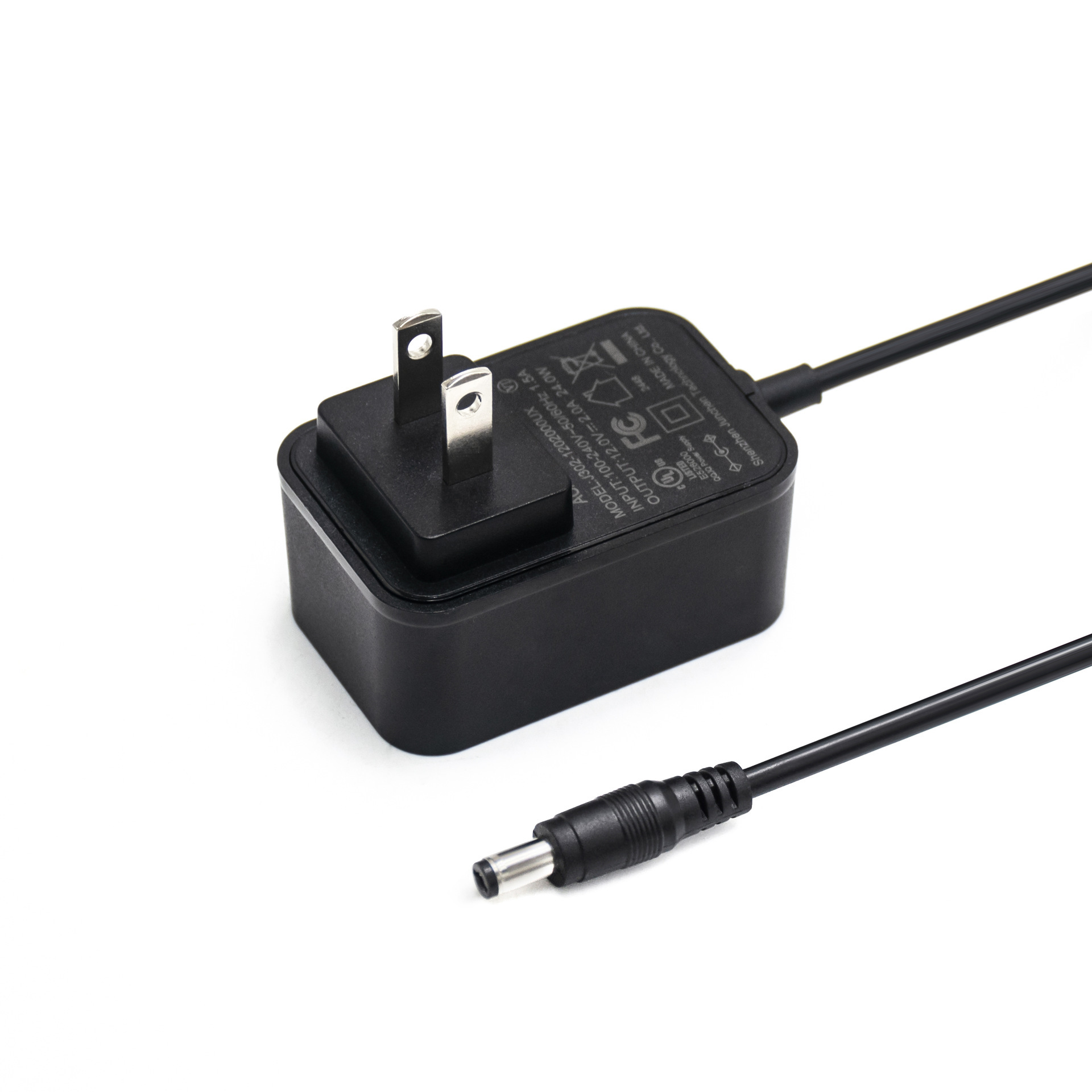
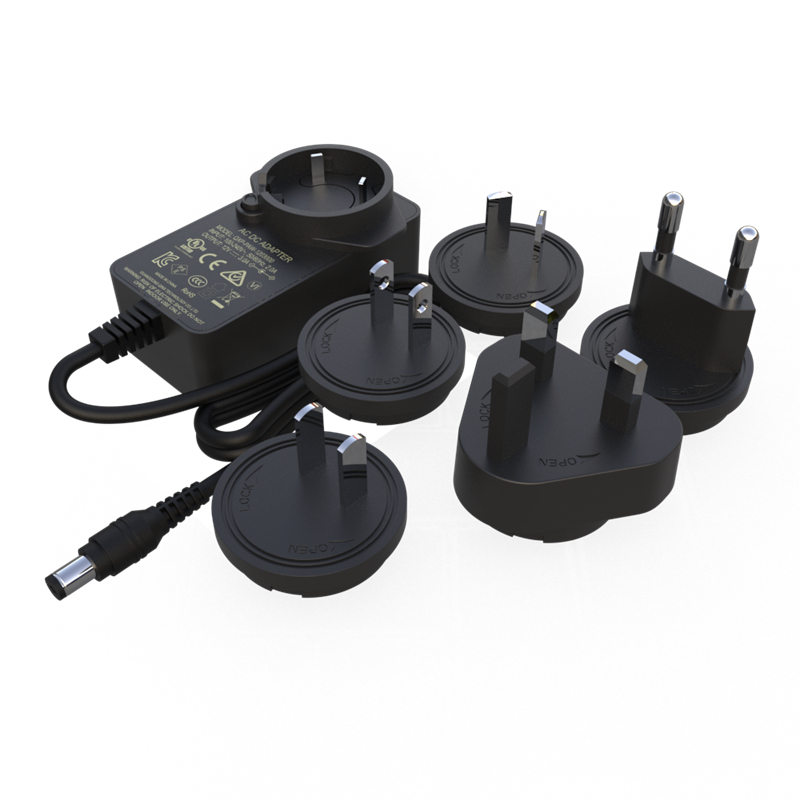
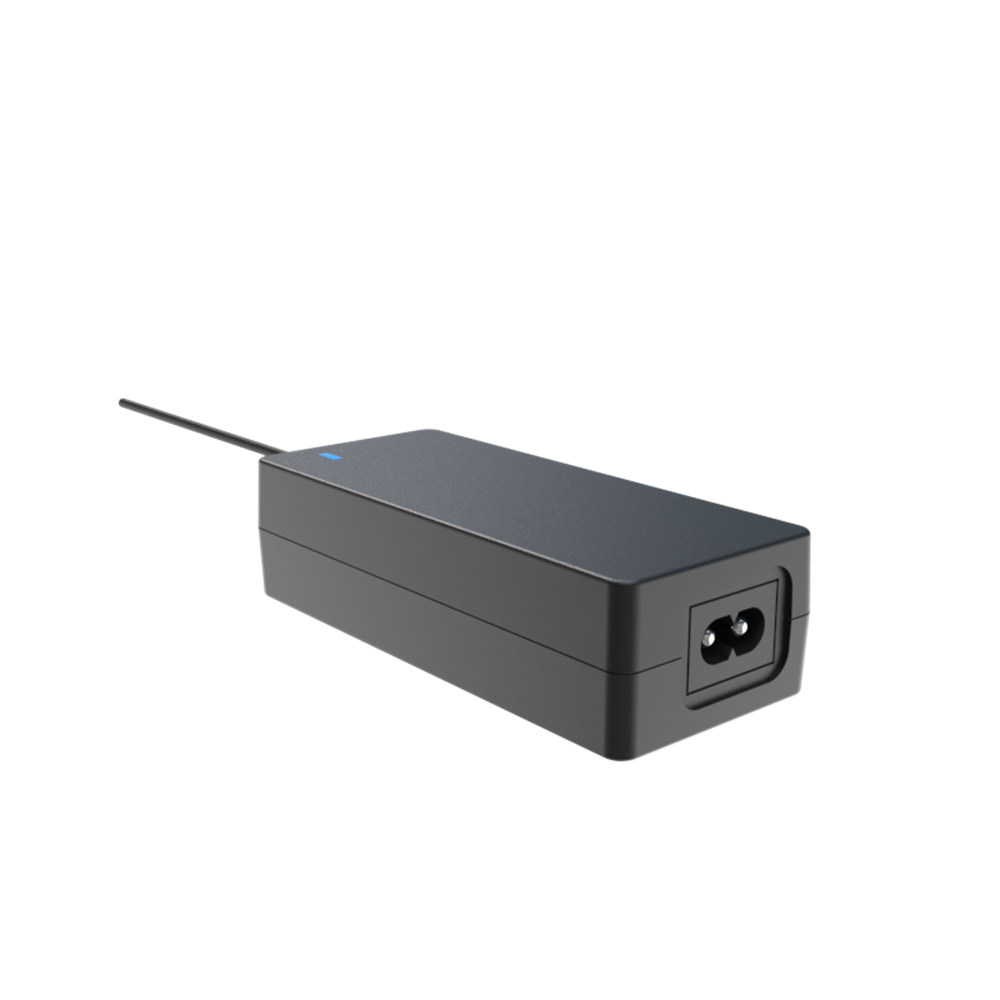
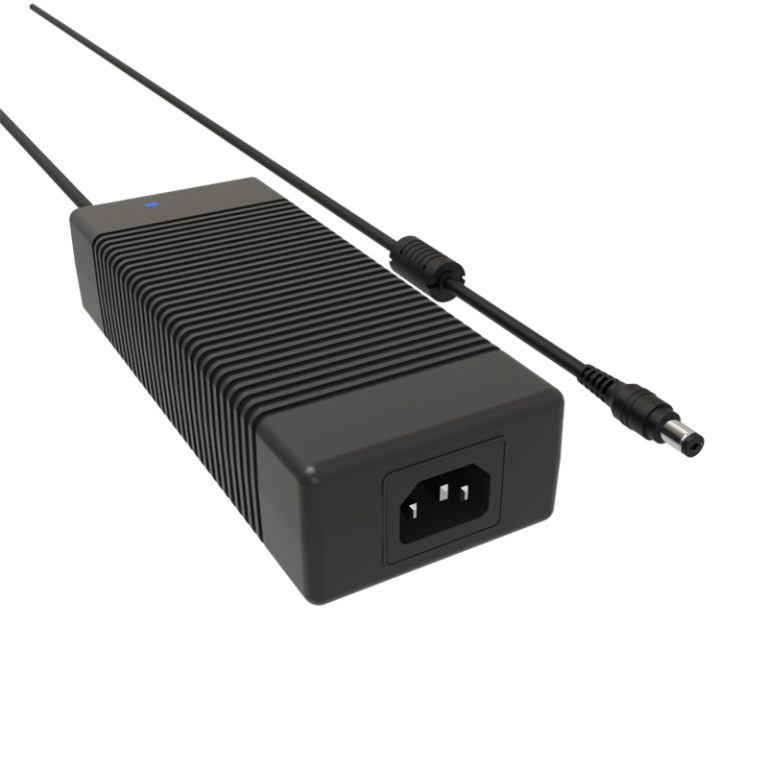
- Laptop Power Adapter (Charger): Usually lasts 2 to 5 years, heavily dependent on cable treatment and heat.
- Uninterruptible Power Supply (UPS): The internal batteries need replacement every 2-4 years, while the electronics can last 5-10+ years.
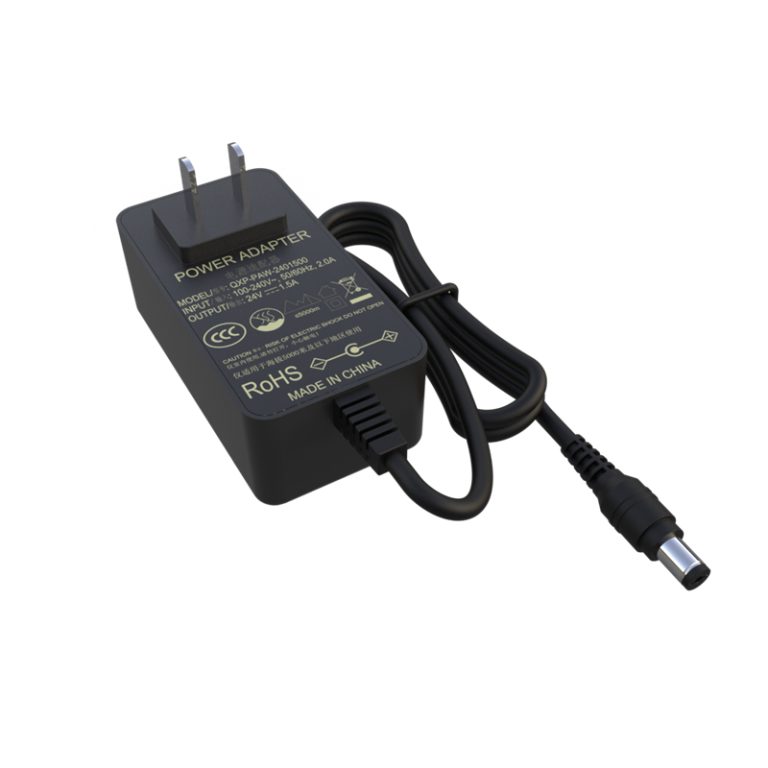
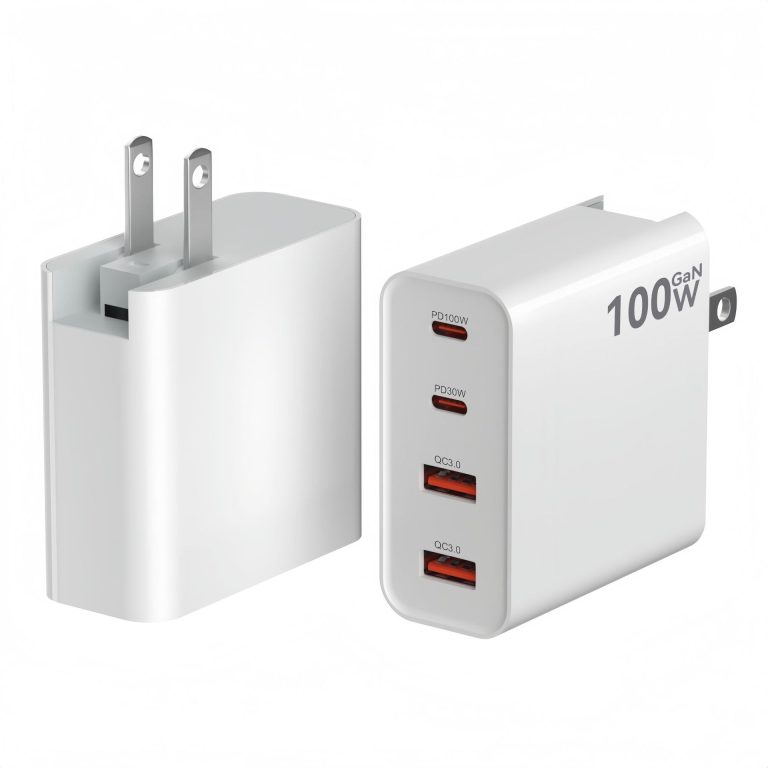
- Phone/Tablet Charger: Varies widely; reputable brands last 1-3 years, while cheap adapters can fail within months.
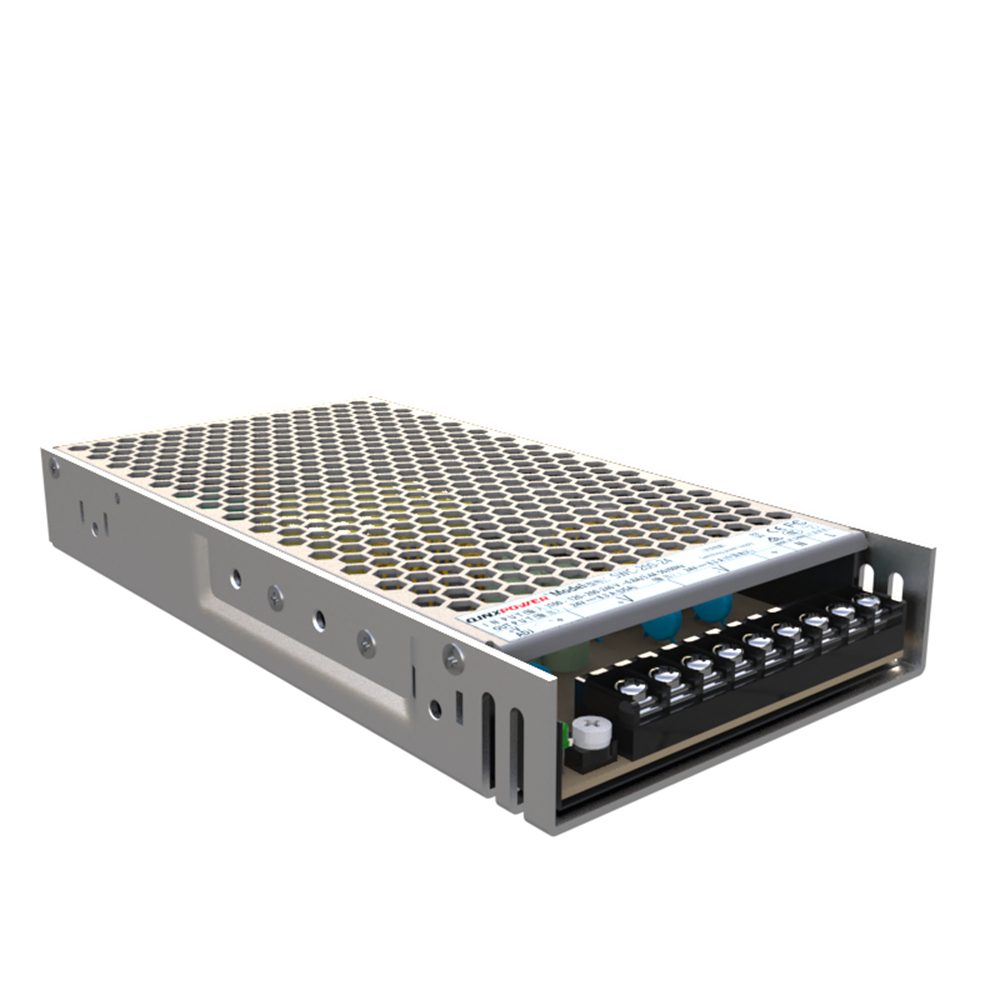
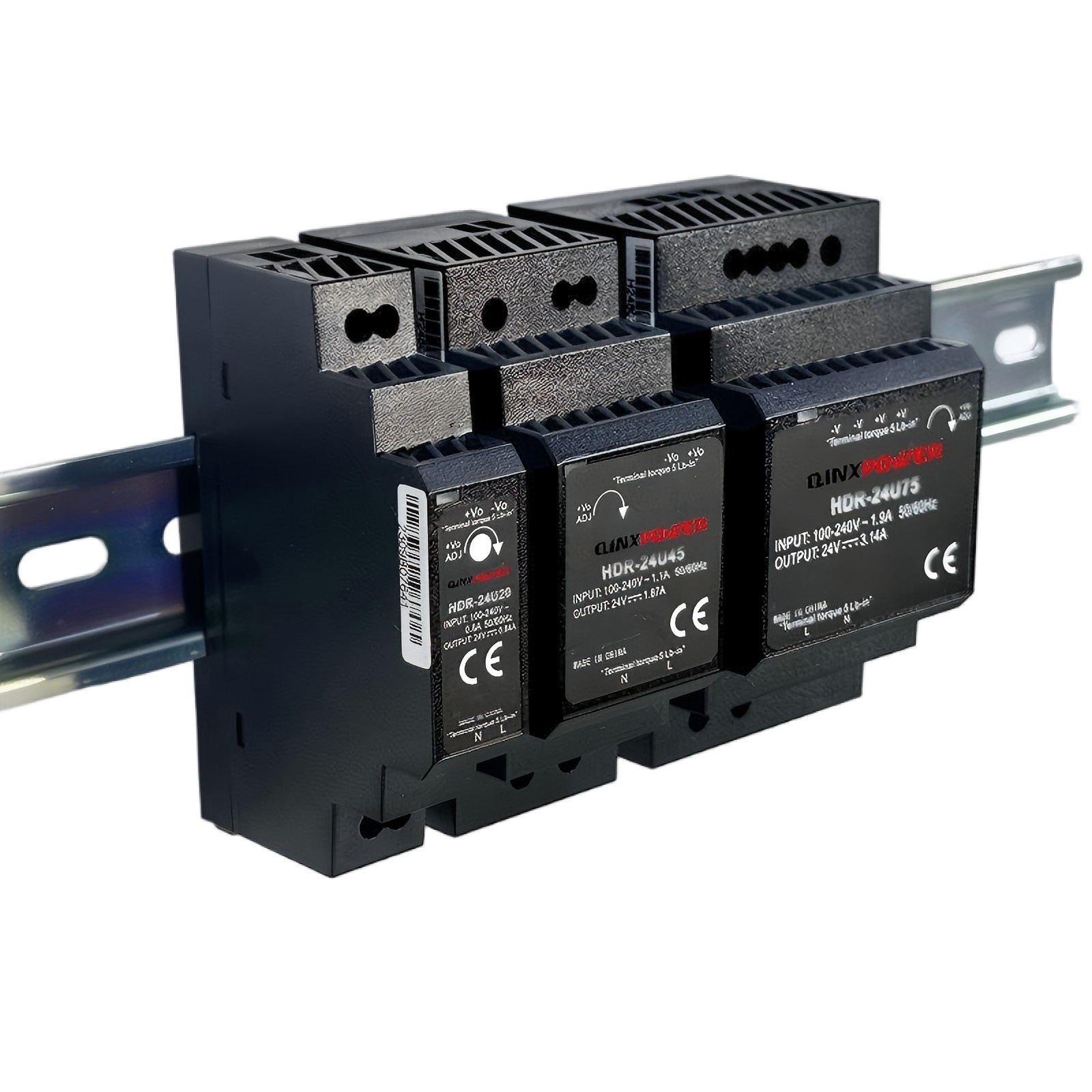
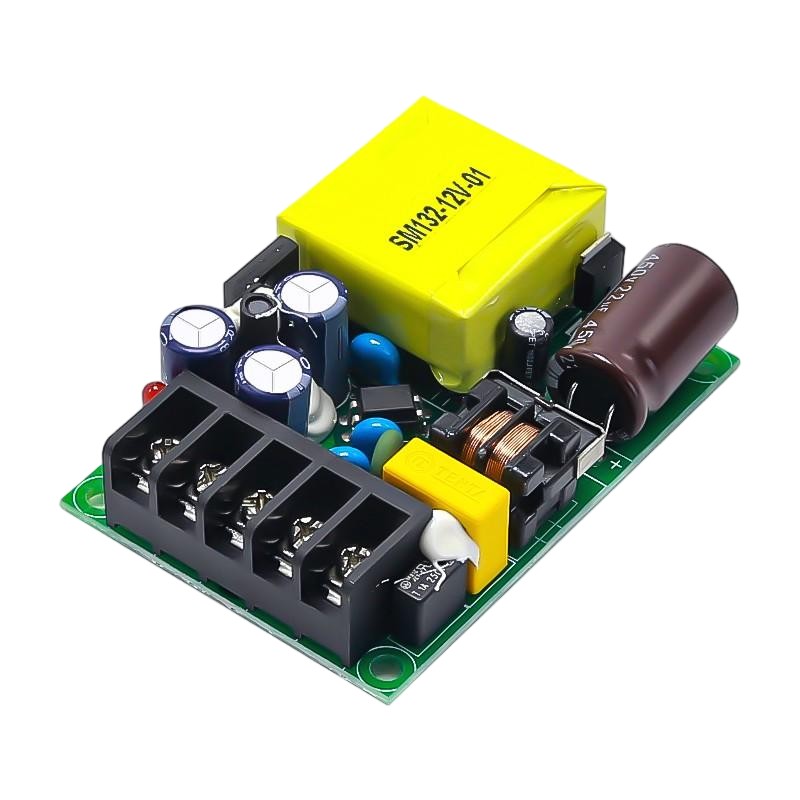
- Internal AC-DC Adapters (in appliances): Often designed to last the lifetime of the appliance, typically 7-15 years.
Key Factors That Determine Lifespan
Several factors dictate how long your power supply will last:
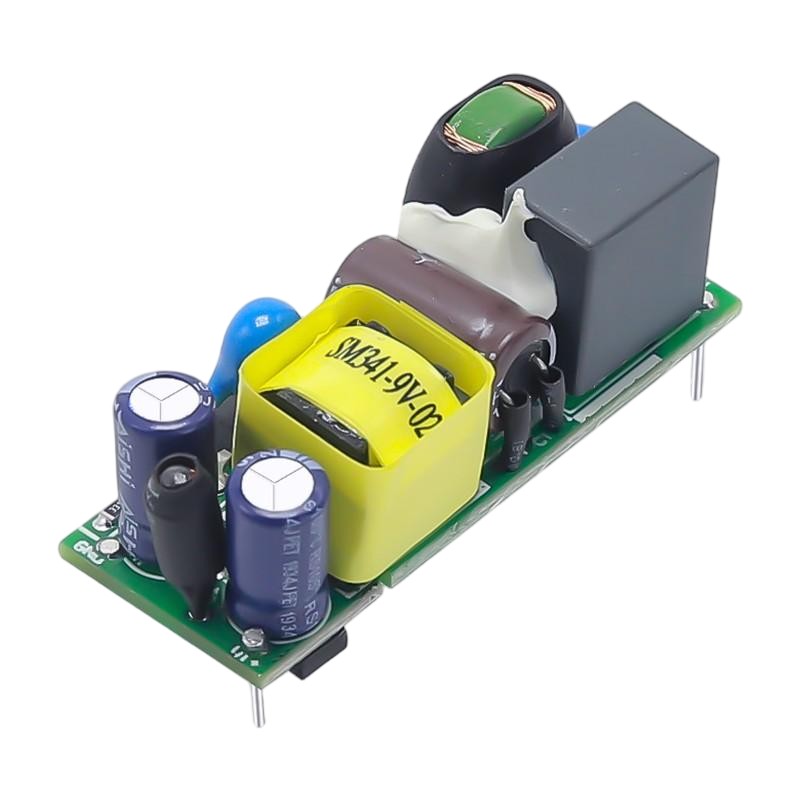
- Component Quality & Capacitors: High-quality Japanese capacitors (e.g., from Nichicon, Rubycon) last much longer than cheap, generic ones. Capacitor aging is the primary cause of failure.
- Heat & Thermal Management: Excessive heat is the #1 enemy. Inadequate cooling, dust buildup, and poor ventilation drastically shorten lifespan. Every 10°C increase in operating temperature can halve the life of internal components.
- Workload & Efficiency: Consistently operating at 80-100% of its rated capacity creates more heat and stress than running at 50-70% load. An 80 Plus Gold or Platinum rated PSU generates less waste heat.
- Power Quality & Surges: Dirty power, frequent brownouts, and voltage spikes from the wall outlet stress the input circuitry. Using a good surge protector or UPS is crucial.
- Physical Stress & Environment: Bent cables, frequent plugging/unplugging, and exposure to moisture or dust accelerate wear and tear.
Warning Signs of a Failing Power Supply
Don’t wait for a complete failure. Watch for these symptoms:
- Random System Crashes or Reboots: Especially under load (e.g., gaming, video editing).
- Unusual Noises: Loud coil whine, buzzing, or clicking from the PSU fan or internals.
- Burning or Ozone Smell: A clear sign of overheating or component failure.
- Visual Signs: Bulging or leaking capacitors, burn marks, or excessive dust.
- Voltage Instability: Measured via software or a multimeter showing outputs outside ATX specifications (e.g., +12V dropping below 11.4V).
- Failure to Power On: The system is completely dead, or fans jerk but it won’t start.
How to Maximize Your Power Supply’s Life
- Provide Adequate Cooling: Ensure good case airflow. Keep intake vents clean and dust-free.
- Don’t Overload It: Choose a PSU with 20-30% more wattage than your system’s peak draw.
- Use Clean Power: Connect to a quality surge protector or a line-interactive UPS.
- Avoid Physical Damage: Don’t bend cables sharply, and avoid placing stress on connectors.
- Buy Quality from Reputable Brands: Invest in units from brands like Seasonic, Corsair, EVGA, or be quiet! with long warranties (often 7-12 years).
When Should You Proactively Replace It?
Consider replacing your power supply if:
- It’s over 7-8 years old, even if working.
- You’re upgrading to a much more powerful GPU/CPU.
- You start experiencing any of the warning signs mentioned.
- It has a warranty of 5 years and is now past that date.
Conclusion
A high-quality power supply, kept cool and used within its limits, can reliably power your system for close to a decade. Paying attention to warning signs and understanding the factors that degrade its components will help you replace it before a catastrophic failure damages other, more expensive parts of your system. When in doubt, err on the side of caution—replacing a PSU is cheaper than replacing a motherboard, CPU, and GPU.